How does it work?
From invoice to payment, in 4 simple steps
Create, share, collect and track your payments with ease.
-
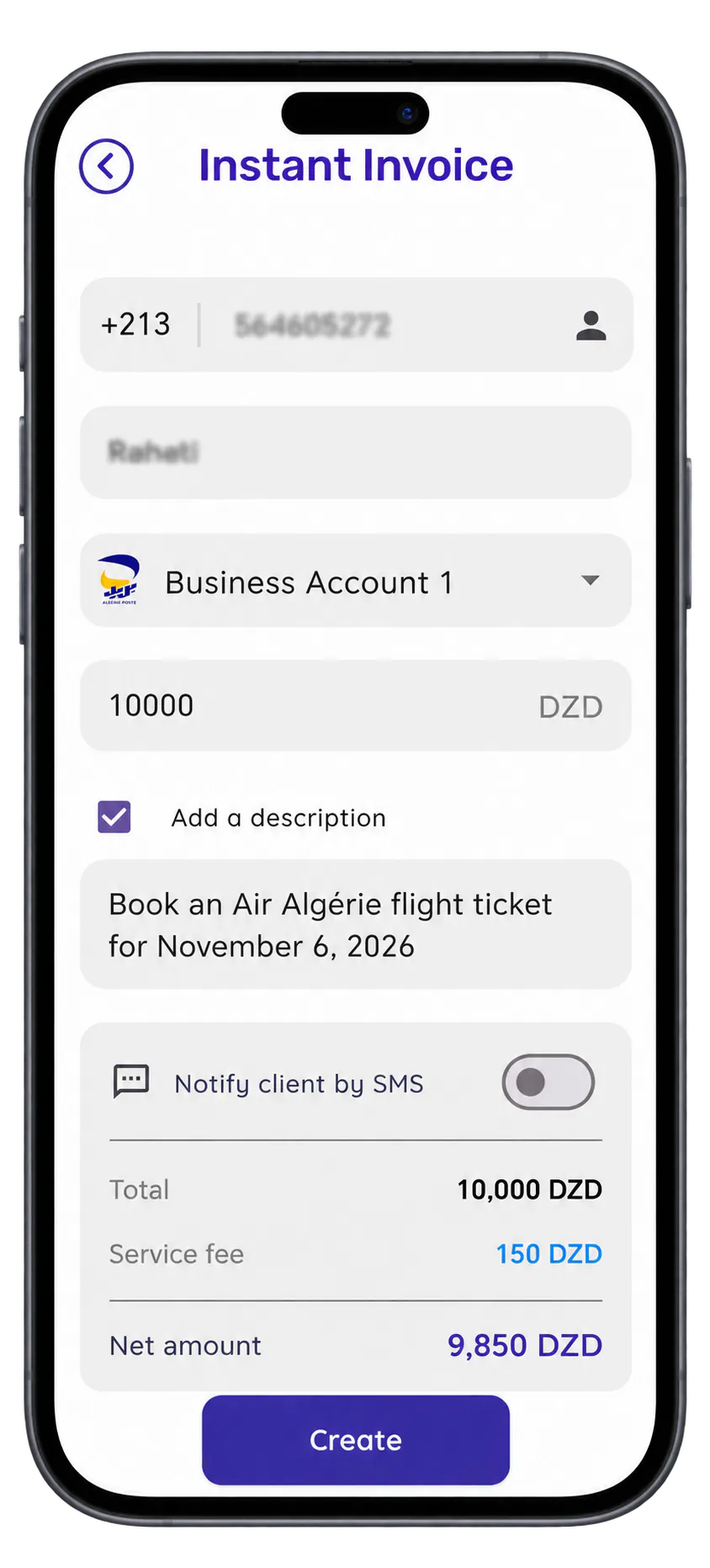
Create your invoice
Create an invoice in seconds.
-
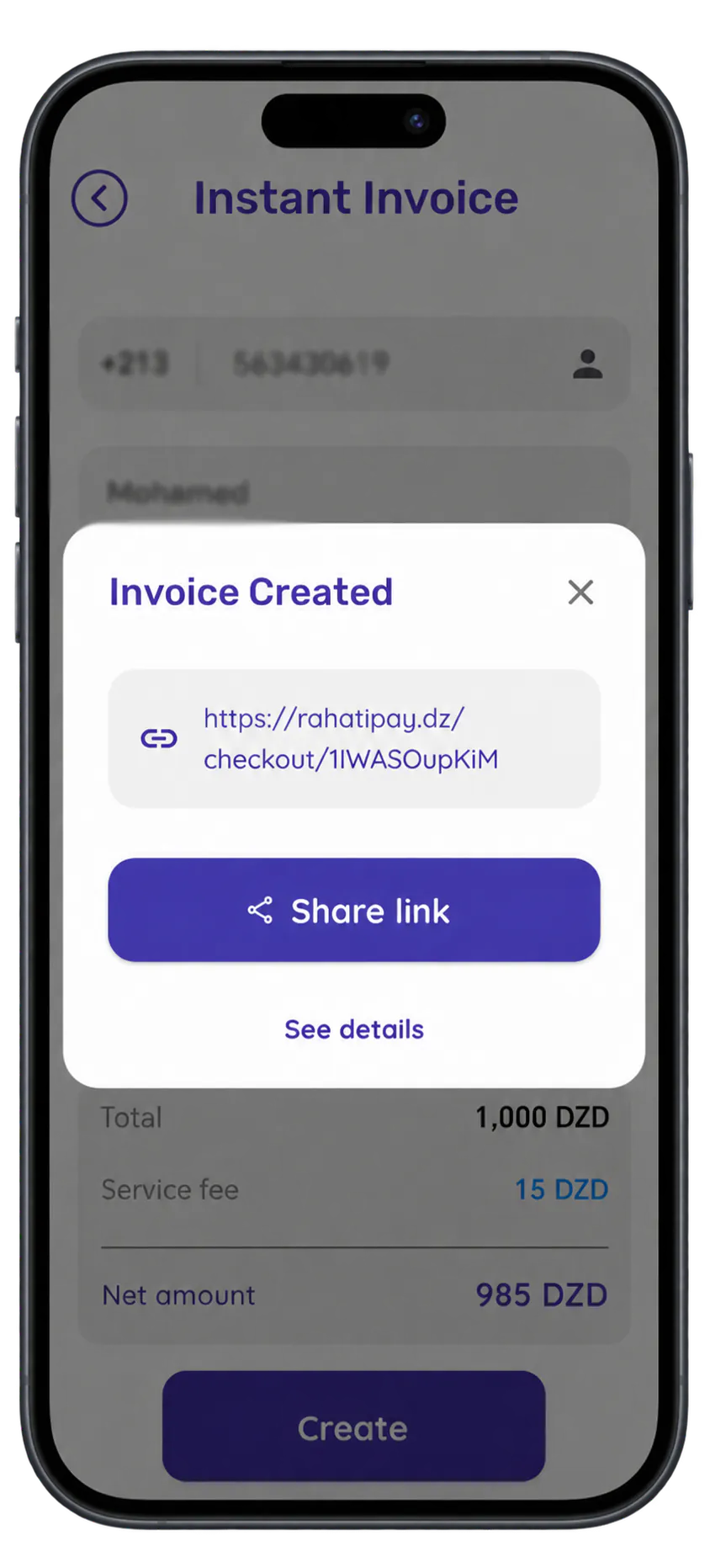
Send the link
Share the payment link with your client.
-
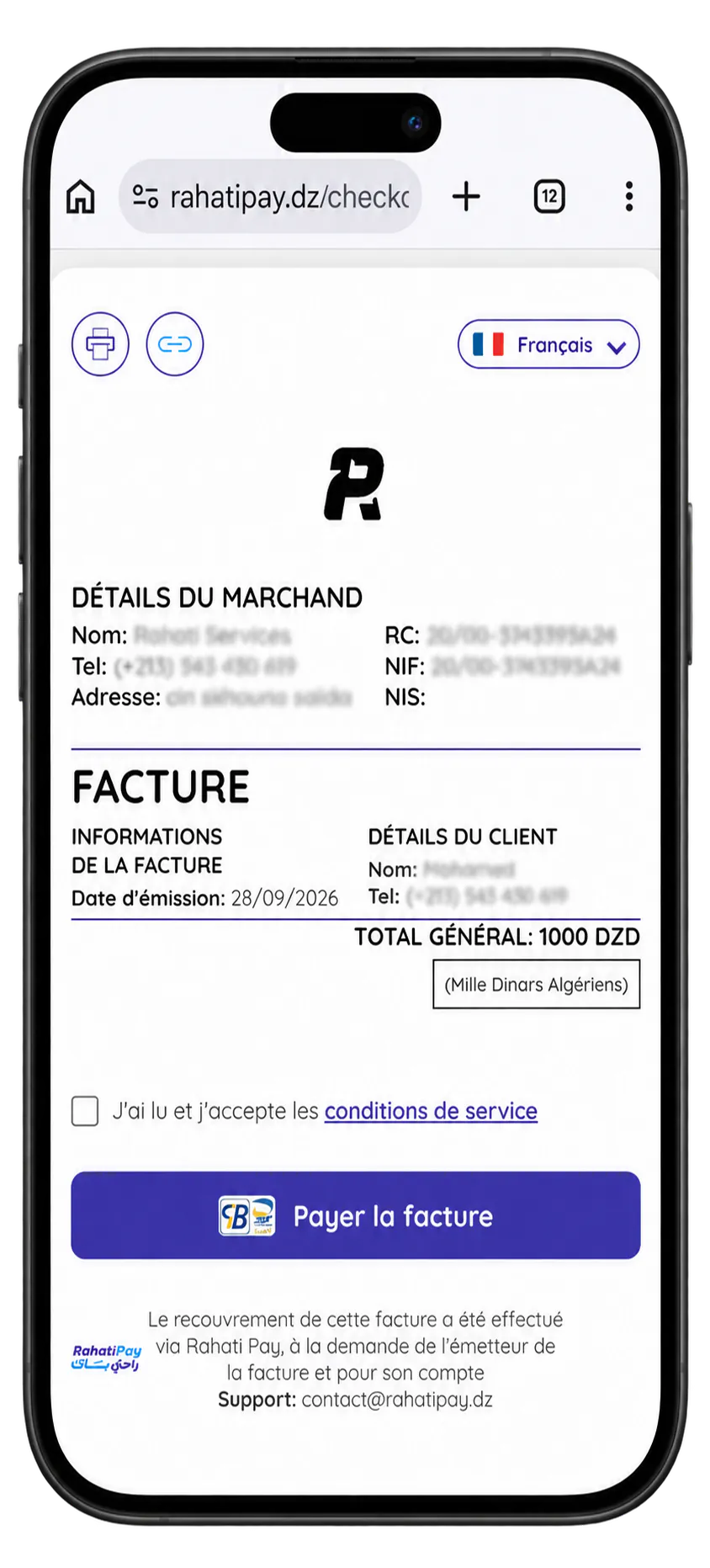
Your client pays
They pay online and download their receipt.
-
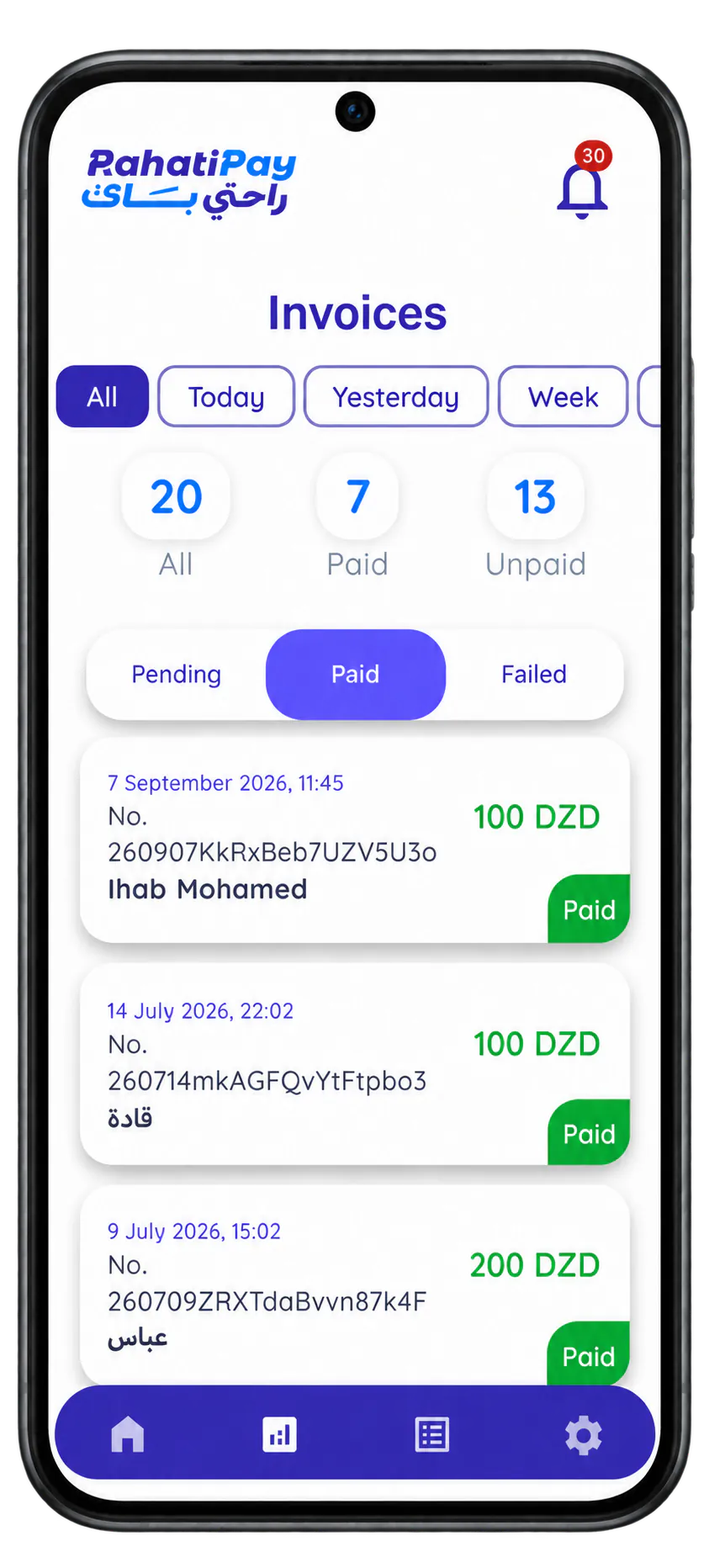
Track your payments
See which invoices are paid, pending or failed.
Your invoice, as your client sees it
Your clients get a simple, secure payment page that carries your brand. They can review the invoice details and pay in just a few clicks.
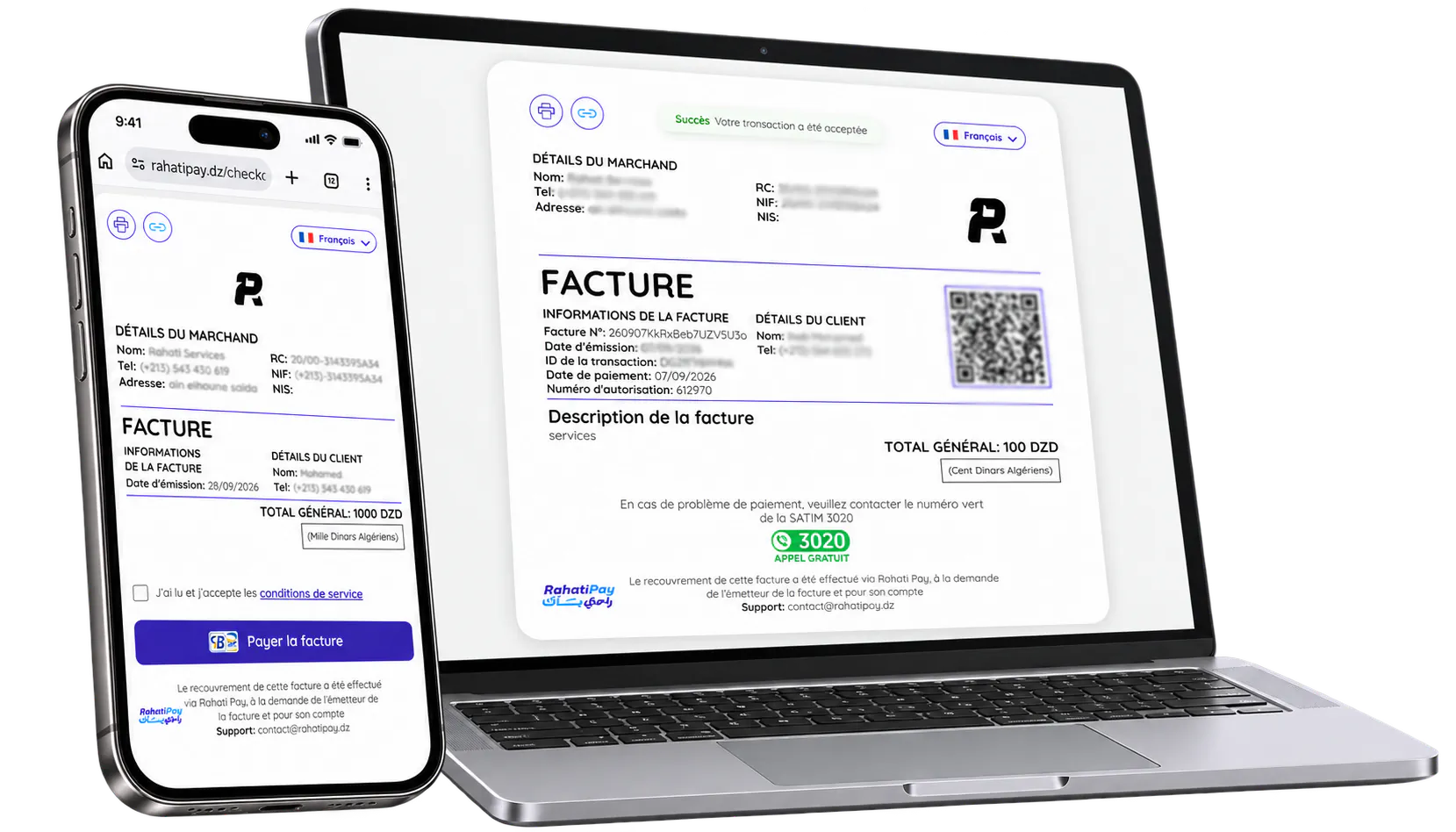
- Clear, professional design
- Works on every device
- A simple experience for your clients
- Secure payment (Edahabia ECCP card, CIB interbank card)
Once collected, the money is paid out to you
As soon as the payment is received and verified, RahatiPay processes the transaction and transfers the net amount due to your business bank account. You're notified at every step.
Learn more-
Your client pays the invoice online
-
RahatiPay processes the invoice payment
(securely)
-
The net amount is transferred to your business account

A complete dashboard to run your business
Track your invoices, payments and performance in real time. Keep a clear view of your business and make the right decisions.
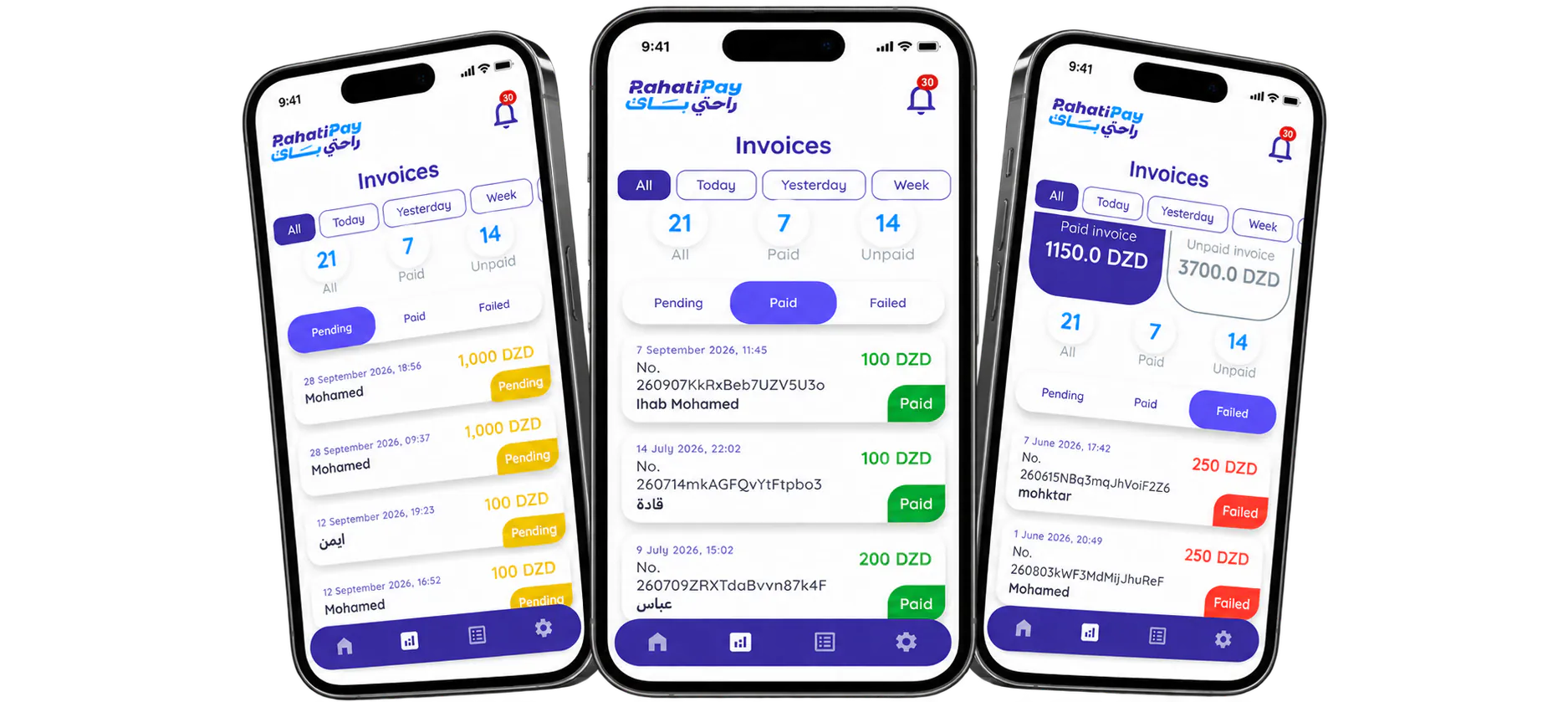
- Track collected and unpaid amounts
- Full transaction history
- Manage your clients and invoices
- Detailed reports and statistics
A solution for every kind of professional
Whether you're a small business, a freelancer or a large organization, RahatiPay helps you get your invoices paid.
-

Travel agencies
-

Schools & training centers
-

Service providers
-

Shops & retailers
-

Freelancers & professionals
-

Websites & apps
Download the RahatiPay app
Join thousands of users who buy, sell and receive money securely.
No hidden fees. No risk. Just peace of mind.
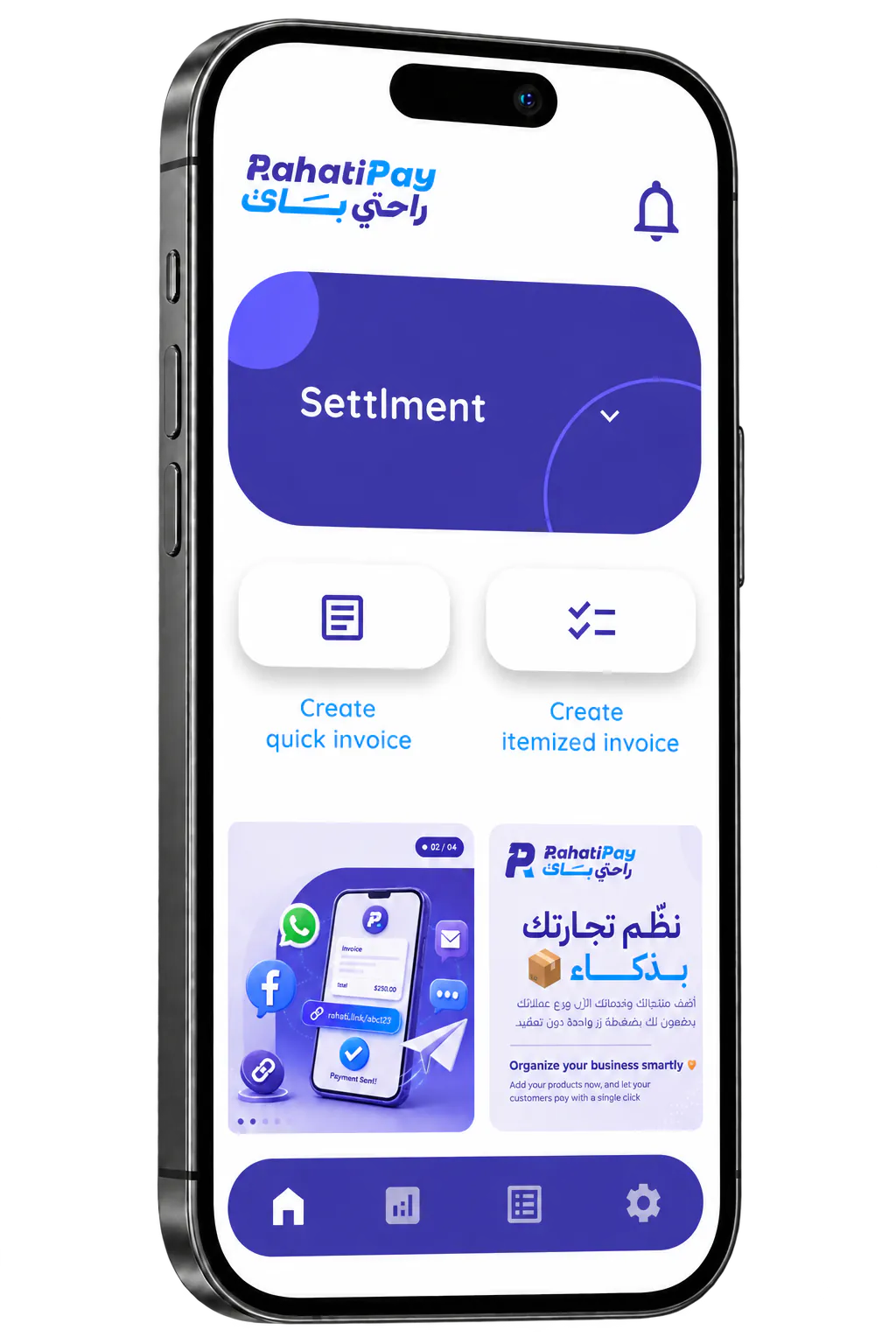
What is RahatiPay?
Discover secure payments with RahatiPay
RahatiPay helps you create your invoices, send payment links to your clients and easily keep track of every payment.
Payments go through approved banking channels, and the funds are then transferred to the merchant's account. RahatiPay never holds your clients' money.
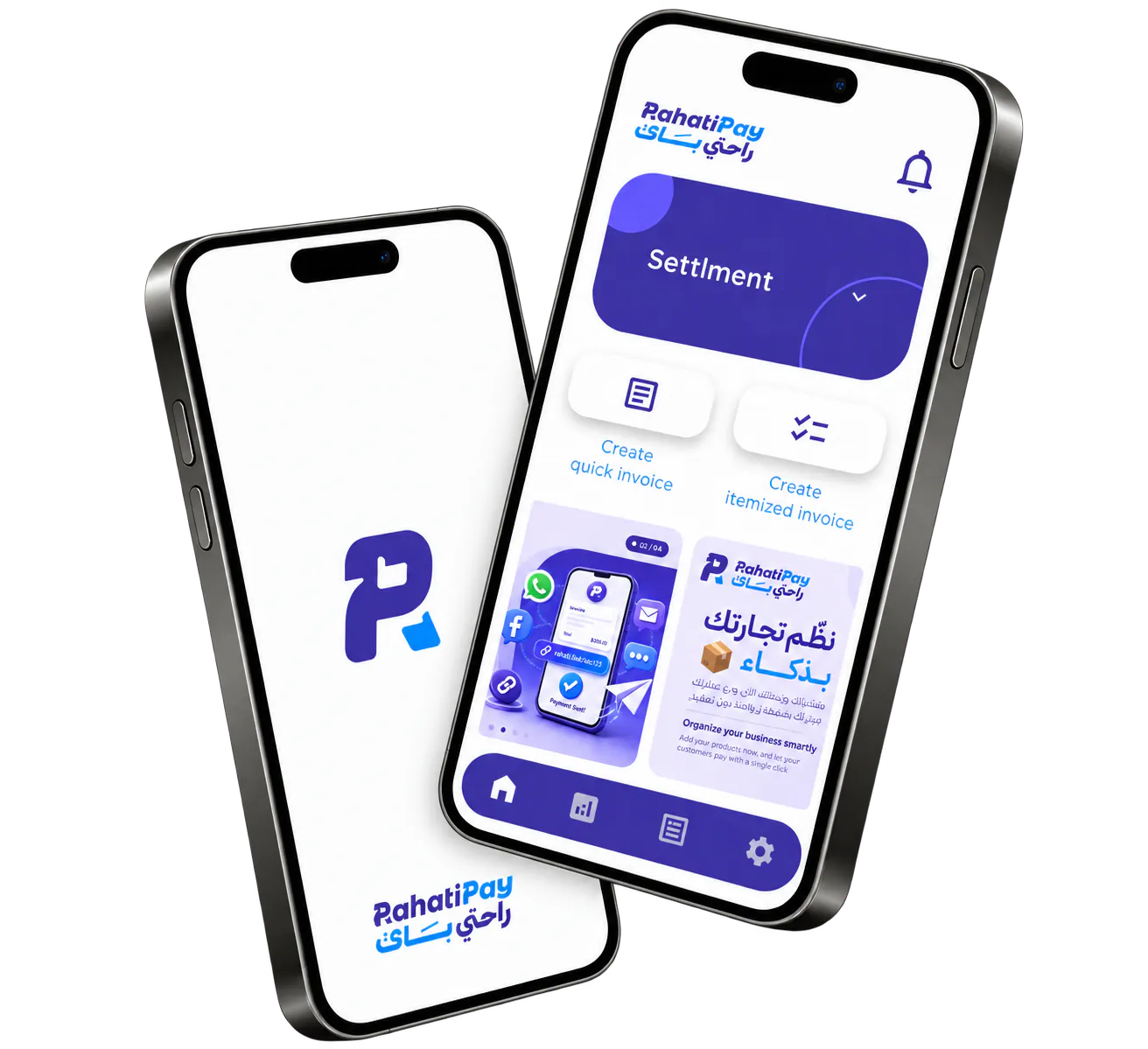
Need help?
Frequently asked questions
Everything you need to know before sending your first invoice. Can't find your answer? Our team is here to help.
Contact usGetting started
Who can use RahatiPay?
Any business or professional in Algeria that invoices its clients, including:
- Travel agencies
- Schools & training centers
- Service providers
- Contractors
- Shops & retailers
- Freelancers & professionals
- Websites & apps
Why RahatiPay instead of a bank transfer?
Instead of asking your client for a transfer and then hunting for it, send them a RahatiPay invoice and follow the payment and collection status clearly, all in one place.
Do I need a website?
No. You can create, send and collect your invoices online without building a website or a payment system of your own.
Is RahatiPay available on iPhone and Android?
The RahatiPay app is currently available on Android, on Google Play. Your clients don't need it: the payment page works on every device.
How do I get started?
- Download the RahatiPay app from Google Play.
- Create your account and confirm it with the code we send you.
- Complete your business profile and bank details.
- Create your first invoice and send the payment link.
Invoices & your clients
How do I create a new invoice?
Open the RahatiPay app and choose to create an invoice, then enter your client's details, the product or service and the amount. Once the invoice is created, you can send its link straight to your client.
How do I send the invoice to my client?
Each invoice gets its own link, which you can send to your client by WhatsApp, SMS or email.
Can I invoice a client in another wilaya?
Yes. You can send your invoice to your client anywhere in Algeria, simply with the payment link.
Do my clients need the app to pay?
No. Your client opens the payment link you send them and pays in their browser, on a phone or a computer, without creating an account. They can then download their receipt.
Which cards can my clients pay with?
Your clients pay with an Edahabia ECCP card or a CIB interbank card, on a secure payment page that carries your brand.
Payments & support
How do I know my client has paid?
The app shows the status of each invoice: paid, unpaid, payment failed or collection in progress. You can see who has paid and who hasn't across all your invoices and transactions.
When do I receive my money?
As soon as the payment is received and verified, RahatiPay processes the transaction and transfers the net amount due to your business bank account. You're notified at every step.
Does RahatiPay hold my clients' money?
No. Payments go through approved banking channels, and the funds are then transferred to your business account. RahatiPay never holds your clients' money.
Are there any fees?
Creating your account is free, and there's no subscription. A fee of 1.5% of the invoice amount applies only once the invoice is paid, so unpaid invoices and failed payments cost you nothing. Sending an invoice by SMS is optional and costs 20 DZD per message, while sharing the payment link by WhatsApp or email is free. RahatiPay charges no other fees.
How do I contact customer service?
Reach RahatiPay customer service on WhatsApp at 0564605272, and we'll help with any question.
Chat on WhatsAppDownload the RahatiPay app
Join thousands of users who buy, sell and receive money securely.
No hidden fees. No risk. Just peace of mind.